Clean The Stadium Codes
Working promo codes, rewards, and redeem steps for late November 2026.
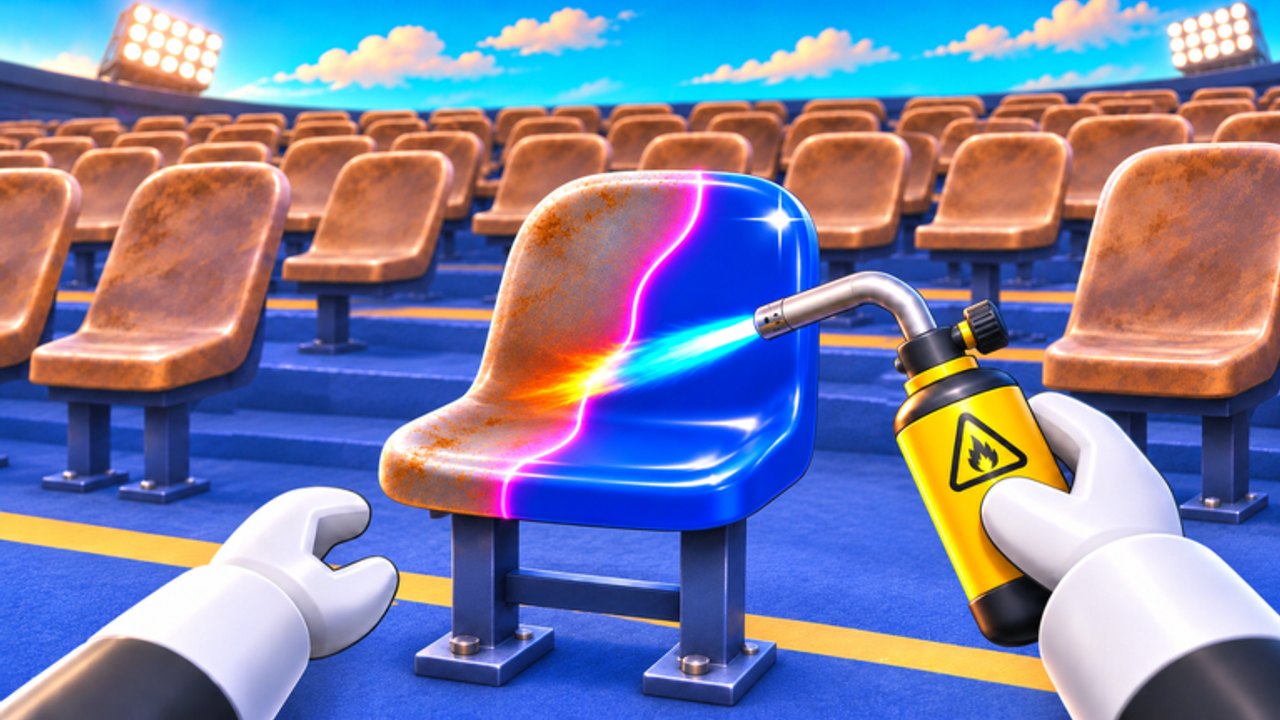
Welcome to the Clean The Stadium codes hub. This Roblox simulation by SimpleStud lets you burn dirty stadium seats, earn cash, buy better flame tools, and prep the arena for kickoff. Promo codes are a free way to jump ahead with trophies and other rewards while you learn the loop.
As of late November 2026, the game is still new (released 15 November 2026). We only list codes that are confirmed active. Do not trust random social posts that invent codes or promise unlimited cash without a redeem path in the Shop.
Active codes (late Nov 2026)
| Code | Reward | Status |
|---|---|---|
RELEASE | 100 trophies | Active |
Notes: RELEASE is case sensitive and must be typed in ALL CAPS. It is the only confirmed working code as of late November 2026. If a code fails, double-check spelling, caps, and that you have not already redeemed it on this account.
For the full click-by-click walkthrough, open How to Redeem Codes.
How to redeem (quick overview)
- Join Clean The Stadium on Roblox (Desktop, Mobile, or Tablet).
- Open the Shop button on the left side of the screen.
- Scroll to the bottom of the Shop panel.
- Find the Type Code Here field.
- Enter the code exactly (for example
RELEASE) and press Redeem.
If nothing happens, wait a second for the UI to refresh, then check your trophies or inventory. Codes are account-bound once claimed.
Why trophies matter
Trophies feed into the game’s reward systems alongside daily rewards and quests. Early trophies help you feel progress while you still use the starter Lighter and grind cash for the Torch Gun, Flamethrower, fuel upgrades, and eventually drones that burn seats for you. Pair code rewards with the Getting Started guide so you spend trophies and cash on the right upgrades first.
Use the Tier List Hub when you decide whether to prioritize flame power, fuel, Auto Burn, or a drone purchase. Codes will not replace grinding, but 100 trophies from RELEASE is a meaningful head start in a fresh economy.
Expired and fake codes
We do not invent codes. If a creator posts a string that is not listed here, test it carefully and expect it to fail until SimpleStud confirms it. Common failure reasons:
- Wrong capitalization (must be ALL CAPS for
RELEASE) - Extra spaces before or after the code
- Already redeemed on your Roblox account
- Code expired after a limited launch window
- Typing into the wrong UI field (chat is not the redeem box)
When new codes drop after events or patches, this hub will add a row to the table and keep expired codes out of the active list. Check the Updates Hub after major patches or the Admin Abuse-style events mentioned on the Roblox page.
Tips after redeeming
- Finish the first-seat burn for the First Flame badge mindset, then push toward larger clean goals.
- Reinvest cash into tools that raise burn speed—see Upgrades and Earn Cash Fast.
- Invite up to four friends for co-op cleaning so the stadium clears faster; see the Players Hub.
- Look at Drones once you can afford automation instead of sitting on unused currency.
Staying safe
Never share your Roblox password, and never “redeem” codes on third-party websites that ask you to log in. Official redeem lives inside the experience via the Shop panel. This wiki is unofficial and fan-made; always verify big announcements on the Roblox game page and SimpleStud channels.
Bookmark this Codes Hub and revisit after updates. One active code today can become a longer list after launch events—when that happens, the table above is the first place we refresh.
Frequently Asked Questions
Quick answers about Clean The Stadium codes, tools, upgrades, and co-op.
What is the Clean The Stadium RELEASE code reward?
As of late November 2026, RELEASE grants 100 trophies. Type it in ALL CAPS in the Shop code field.
Where do I redeem Clean The Stadium codes?
Open the Shop button on the left, scroll to the bottom, use Type Code Here, then Redeem. Full steps are on How to Redeem Codes.
Are Clean The Stadium codes case sensitive?
Yes. RELEASE must be entered in ALL CAPS. Extra spaces or lowercase letters usually fail.
How many active codes are there right now?
Only one confirmed active code as of late November 2026: RELEASE. We will add rows when SimpleStud ships more.
Do codes work on mobile?
Yes. Clean The Stadium supports Desktop, Mobile, and Tablet. Use the same Shop → scroll → Type Code Here flow on touch devices.