How to Redeem Clean The Stadium Codes
Exact in-game steps for RELEASE and future promo codes on Desktop, Mobile, and Tablet.
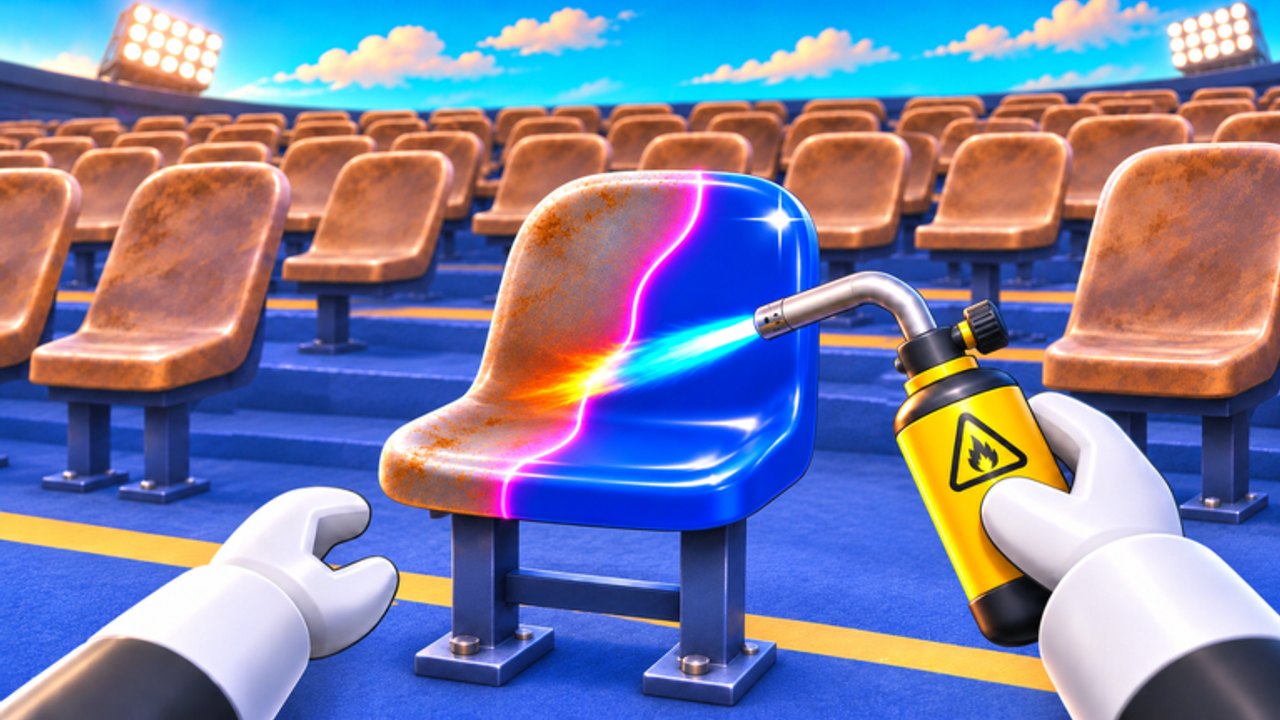
Redeeming codes in Clean The Stadium is simple once you know the Shop layout. The experience does not use chat commands for promos. Everything runs through the Shop panel on the left side of the HUD. This guide walks through every step, explains the only confirmed code as of late November 2026, and covers the mistakes that make valid codes look “broken.”
If you only need the live list, jump back to the Codes Hub. Pair rewards with the Getting Started guide so trophies and cash go into the right tools.
Before you start
- Launch Clean The Stadium from Roblox (place ID 132638777097541).
- Wait until the stadium world and UI fully load—redeeming during a long join can fail silently.
- Have the code ready. Right now that means
RELEASEin ALL CAPS for 100 trophies. - Play on Desktop, Mobile, or Tablet; the Shop path is the same across supported platforms.
You do not need Roblox Premium to redeem. The game is free-to-play. Server size is up to 20 players, and you can still redeem while friends join for co-op (up to four friends in a focused party—see the Players Hub).
Step-by-step redeem path
1. Open the Shop
Look for the Shop button on the left side of the screen. Tap or click it once. The shop should slide open with tools, upgrades, and other purchases. Do not open unrelated menus if you only came to redeem.
2. Scroll all the way down
The code box is not at the top. Scroll to the bottom of the Shop panel. On mobile, drag carefully so you do not accidentally buy an item mid-scroll. Keep going until you see a dedicated code entry area.
3. Find “Type Code Here”
Locate the field labeled Type Code Here. Tap it so the keyboard or text caret appears. Clear any leftover characters from a previous attempt.
4. Enter the code exactly
Type RELEASE with no spaces, all uppercase. Paste only if you are sure your clipboard has no hidden newline. Case sensitivity matters: release, Release, or ReLeAsE should be treated as incorrect.
5. Press Redeem
Hit Redeem and wait for confirmation. Your trophies should increase by 100 the first time this code succeeds on your account. If the UI does not update instantly, close and reopen the Shop or check any trophy counter on your HUD.
What RELEASE gives you
| Code | Reward | Caps | Notes |
|---|---|---|---|
| RELEASE | 100 trophies | ALL CAPS | Only confirmed active code late Nov 2026 |
Trophies sit alongside daily rewards and quests as progression hooks. They will not replace burning seats for cash, but they accelerate how quickly you feel momentum while you still use the Lighter and save toward the Torch Gun, Flamethrower, fuel upgrades, Auto Burn, and drones.
Spend smarter with the Tier List Hub and the Upgrades guide instead of impulse-buying the first Shop item you see.
Troubleshooting failed redeems
Nothing happens when I press Redeem
Reload the experience, reopen Shop, scroll to the bottom again, and retype carefully. Laggy joins sometimes swallow the first submit.
It says invalid / does not work
Confirm ALL CAPS, remove spaces, and make sure you are in Clean The Stadium—not another cleaner experience. Also confirm you have not already redeemed RELEASE on this Roblox account.
I typed the code in chat
Chat will not grant trophies. Only the Shop Type Code Here field counts.
Mobile keyboard covers the button
Dismiss the keyboard slightly or rotate orientation so Redeem stays tappable after you finish typing.
I used a website that asked for my password
That is not official. Stop, secure your account, and redeem only inside the Roblox experience. This wiki never asks for login credentials.
After a successful redeem
- Note your new trophy total so you can track future codes.
- Return to burning seats—cash still drives tool upgrades. See Earn Cash Fast.
- Aim for early badges such as First Flame (first seat), then longer goals like Warming Up (100 seats) and Match Day (restore a stadium).
- Check the Updates Hub after events (including Admin Abuse-style moments called out on the Roblox page around late November 2026) in case new codes appear.
- Bookmark the Codes Hub so you can verify status before grinding a rumor.
Co-op and codes
Codes are per Roblox account. If you clean with friends, each player must redeem RELEASE on their own client. Coordinating a four-player burn session after everyone claims trophies is a strong early-game plan: one player can focus upgrades while others clear rows of seats.
Keeping this guide honest
Clean The Stadium launched on 15 November 2026 and is still receiving patches through late November. We will not invent extra codes, fake expiry dates, or fictional reward amounts. When SimpleStud ships a new string, we add it to the Codes Hub table first, then update this redeem guide if the Shop UI changes.
For scripts and automation talk, read the Scripts Hub safety notes—codes are the safe freebie path; executors are not required to enjoy the game.
Frequently Asked Questions
Quick answers about Clean The Stadium codes, tools, upgrades, and co-op.
Where is the Clean The Stadium code box?
Open the Shop button on the left, scroll to the bottom, then use the Type Code Here field and Redeem.
Why does RELEASE fail for me?
Usually wrong caps, extra spaces, already redeemed, or typing in chat instead of the Shop field.
Can each friend redeem the same code?
Yes. Codes are per Roblox account. Every player in your co-op group should redeem RELEASE themselves.
Do I need to pay Robux to redeem?
No. Redeeming RELEASE is free. The game itself is free-to-play on Roblox.
Will more codes be added?
Likely after events or patches. Watch the Codes Hub and Updates Hub; we only list confirmed codes.