Drones in Clean The Stadium
Automation tips for Clean The Stadium—timing purchases, covering lanes, and co-op drone roles.
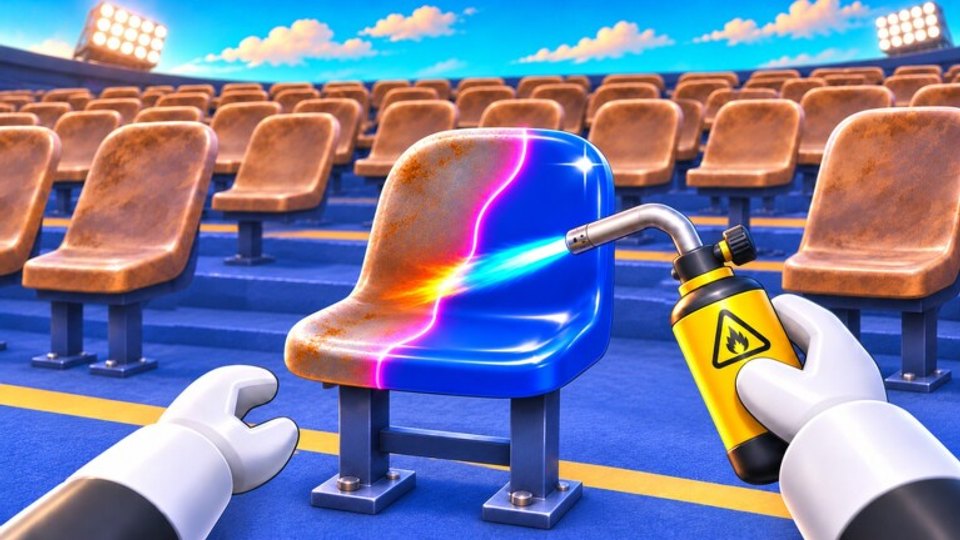
Drones are Clean The Stadium’s built-in answer to “can someone else burn these seats?” Instead of hunting risky executors on a brand-new Roblox game, you buy helpers that torch filth while you reposition, Shop, or coordinate friends. This guide covers when to buy, how to think about coverage, and how drones pair with Auto Burn and the tool ladder.
For ranking context, drones sit in S tier on the Tier List Hub. For funding them, use Earn Cash Fast. For the other automation pillar, read Upgrades.
What drones do
At a high level, drones burn dirty seats for you. They extend your clear beyond the cone of your Lighter, Torch Gun, or Flamethrower. That matters on wide stadium geometry where walking every row is the real enemy.
Drones do not remove the fantasy—they amplify it. Kickoff still wants a ready stadium; drones just make “ready” realistic for solo players and smoother for parties of up to four.
When to buy your first drone
Good times to buy:
- You own a Torch Gun (or better) and still cannot cover enough width
- Public servers are chaotic and contested rows waste your time
- You are the designated drone operator in a co-op plan (Players Hub)
- You need progress while handling Shop codes, quests, or fuel errands
Risky times to buy:
- You still cannot afford basic fuel for your handheld tool
- You are one short grind from Torch Gun and the drone would delay that breakpoint
- You expected drones to replace learning seat strips entirely (they assist; you still steer the session)
A drone with a starving Lighter player can still help, but most accounts feel happier unlocking a respectable tool first.
Drones vs Auto Burn
| System | Strength | Best for |
|---|---|---|
| Auto Burn | Makes your personal flame consistent | Hands-on clearers, mobile comfort |
| Drones | Adds extra burners on the map | Width coverage, AFK-ish errands, co-op roles |
They are complementary, not exclusive. Many strong loadouts want both once cash allows. If you must choose one tonight, pick based on pain: tired fingers → Auto Burn; too much map → drone.
Coverage mindset
Think in zones:
- Human lane — where you walk with the Flamethrower or Torch Gun
- Drone lane — adjacent or far stands you refuse to jog constantly
- Overflow — stubborn dirty pockets after a mostly clean bowl
Re-assign drones when a zone finishes. Leaving them parked over already-clean seats wastes the purchase. In co-op, call zone changes in chat (DRONE → RIGHT) so humans do not “help” by double-cooking the same benches.
Co-op drone roles
With up to four friends:
- One drone lead watches placements and Shop timing
- Two lane clearers push human strips
- One flex fills gaps, grabs dailies, or redeems codes
Do not silently buy the third drone while your teammate still lacks Torch Gun unless the party agreed automation is the shared win condition. Social contracts keep Clean The Stadium fun.
Funding drones without tilting
- Redeem
RELEASEearly for trophies (Codes). - Run timed strips from the cash guide until the drone price is a known number of minutes away.
- Maintain fuel so your personal tool does not die the moment drones go out.
- After purchase, immediately measure seats/minute on a familiar strip—confirmation beats vibes.
If the metric barely moves, you may need flame/power upgrades or a better handheld tool more than a second drone.
Badges and drones
Drones help you reach Warming Up (100 seats) and Match Day (first stadium restore) with less burnout. They do not skip First Flame—you still need that first personal burn. Let drones shine on the long middle of progression, not as a substitute for learning the spark.
Scripts vs drones
As of late November 2026, this wiki has no confirmed Clean The Stadium autofarm scripts. Drones + Auto Burn are the intended automation path. Anything claiming infinite drone money with a mystery loadstring should be treated as hostile until proven otherwise (Scripts Hub).
Platform notes
- Desktop: easiest to micromanage drone zones while strafing
- Mobile / Tablet: buy drones earlier if camera fatigue is real; rely on clearer zone plans
- All platforms share the same Shop economy—prices do not care what screen you use
Session template featuring drones
- Warm up one human strip
- Deploy drones to the far side
- Human-clear toward the middle
- Shop only on empty fuel or planned upgrade breakpoints
- Reposition drones onto leftover dirt before kickoff checks
- Celebrate Match Day energy, then reset targets
Related reading
- Upgrades — Auto Burn and fuel synergy
- Getting Started — onboarding before automation
- Guides Hub — full tutorial index
- Updates Hub — watch for post-launch retunes after 15 Nov 2026
- Game Overview — static systems list
Drones reward players who already understand strips. Buy them to multiply good habits, not to skip learning how Clean The Stadium wants seats cleaned.
Frequently Asked Questions
Quick answers about Clean The Stadium codes, tools, upgrades, and co-op.
What do drones do in Clean The Stadium?
They burn dirty seats for you, adding coverage beyond your handheld Lighter, Torch Gun, or Flamethrower.
Should I buy a drone or Auto Burn first?
Choose Auto Burn for personal comfort and consistency; choose a drone for map width. Both are strong when funded.
Can drones replace my Flamethrower?
No. Drones assist. A strong handheld tool plus drones clears faster than drones alone for most players.
How do we use drones in co-op?
Assign a drone lead, give them far zones, and call repositioning so humans and drones do not stack on one row.
Are drone scripts required?
No. Drones are an official purchase path. No dedicated public autofarm scripts are confirmed yet for this game.